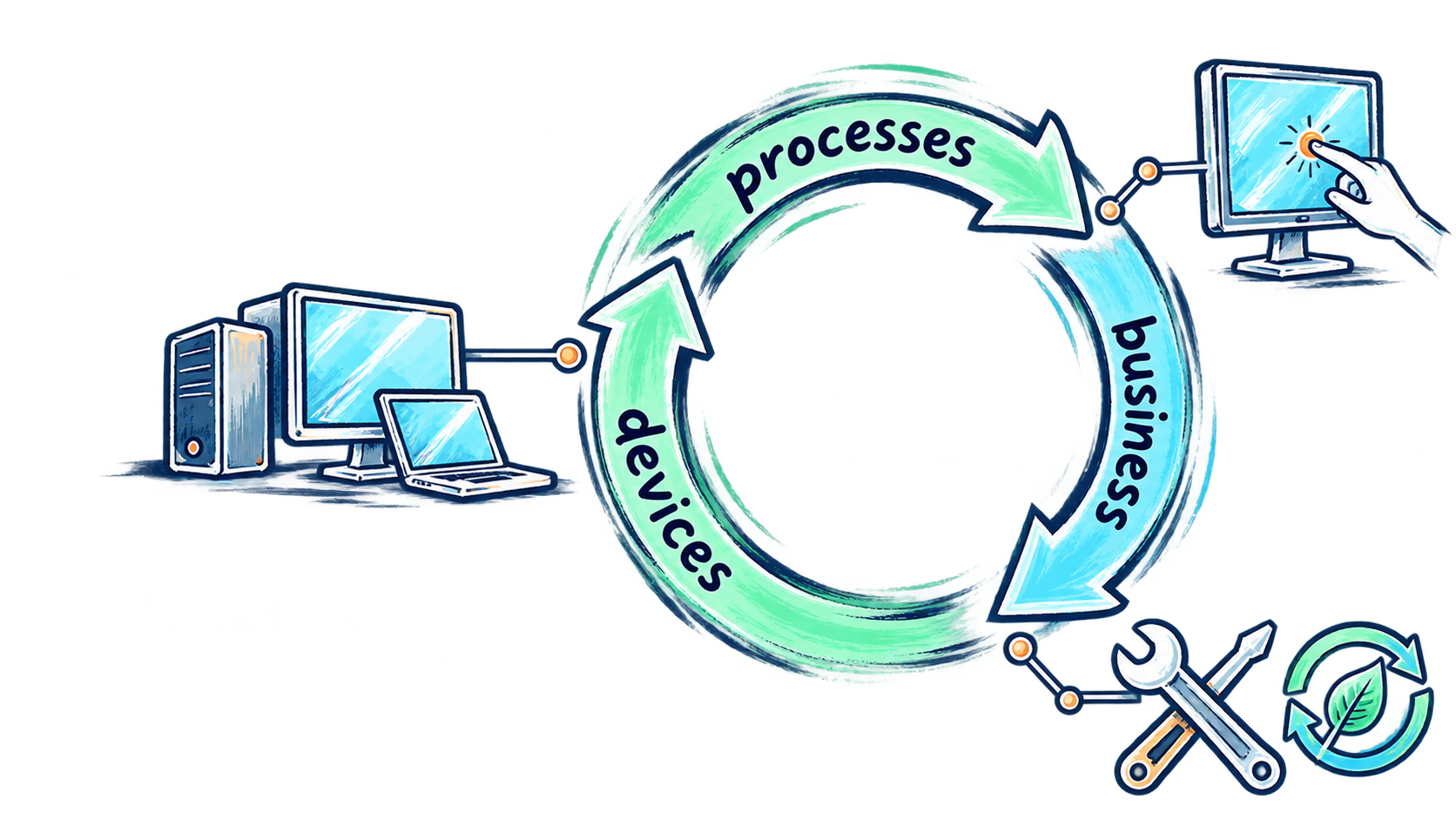


Know what you have
Organize device records, models and asset tags so staff can identify equipment and find the information they need.
ITWINDOW is a complete device lifecycle management (DLM) and asset-management application, available to Digital Storefronts partners. Find device records, track locations and plan repairs or replacements with a clearer view of your institution’s equipment.
Digital Storefronts is the main business. ITWINDOW is its supporting application and optional add-on service, connecting device records and lifecycle planning with practical technology support.
ITWINDOW gives IT teams a place to review device inventory, asset tags, locations and lifecycle status. Its management views, team assignments, lifecycle planning and reports help bring day-to-day records into a more useful operational picture.
Organize device records, models and asset tags so staff can identify equipment and find the information they need.
Use locations, rooms, storage views and team assignments to support clearer responsibilities and follow-up.
Use lifecycle views and reports to inform discussions about maintenance, repair, reuse and replacement.
For schools, training centres, community organizations and institutions managing shared technology, the starting point is understanding the equipment, the people using it and the decisions ahead.
Bring visibility to classroom, laboratory and shared-device inventories. Use device and location information to prepare support requests and discuss equipment priorities.
Build a clearer picture of equipment in use and in storage. Identify devices to assess for repair or reuse before considering new purchases.
Use management views, team assignments and reports to coordinate follow-up and support planning across rooms, locations and equipment groups.
THE APPLICATION + PRACTICAL SUPPORT
Digital Storefronts can discuss how ITWINDOW fits alongside device assessment, repair and upgrades, refurbished equipment, technical support and responsible lifecycle planning. The application supports visibility and coordination; service work is scoped separately to match your institution's requirements.
Preview the app login screen →
ITWINDOW is available through a partnership with Digital Storefronts. Once your institution becomes a partner, we provide the application download link directly as part of onboarding. Contact us to discuss your needs and the partnership process.
ITWINDOW is a finished application ready for partner deployment. We agree on access, pricing, onboarding, data handling, hosting and support terms before deployment. Application downloads are provided directly to approved partners during onboarding.